

We have run vector search workloads on both Oracle AI Database 26ai and PostgreSQL with pgvector and we are here to show you the architectural breakdown of Oracle AI Database 26ai vector search vs pgvector. The technical capabilities of both are real — pgvector works, and PostgreSQL shops have built production vector search on it. That is not the comparison this post is making.
The comparison this post is making is architectural. When your database estate is Oracle — and for most enterprise production environments it is — the question is not whether pgvector is technically capable. The question is whether adding PostgreSQL to your stack to get vector search makes sense when Oracle AI Database 26ai delivers it natively, inside the same engine, managed by the same DBA team, under the same security and compliance framework you already operate.
This is series of post starting with Oracle 23ai — Why Oracle Calls It The AI DatabaseThat is the decision most production Oracle shops are actually facing right now.
The Setup Comparison — What It Takes to Get Started
pgvector on PostgreSQL:
pgvector is an extension. It does not ship with PostgreSQL — it must be installed separately. On a managed service like AWS RDS or Azure Database for PostgreSQL it is available as an optional extension. On self-managed PostgreSQL it requires a separate installation step before the first vector column can be created.
-- PostgreSQL: extension install required before anything works
CREATE EXTENSION vector;

-- Then create a table with a vector column
CREATE TABLE documents (
    id        SERIAL PRIMARY KEY,
    content   TEXT,
    embedding VECTOR(1536)
);
Oracle AI Database 26ai:
No extension. No install. No additional step. The VECTOR data type is part of the core engine.
-- Oracle AI Database 26ai: no install, no extension
-- VECTOR is a native data type -- available immediately
CREATE TABLE documents (
    doc_id    NUMBER GENERATED ALWAYS AS IDENTITY PRIMARY KEY,
    content   CLOB,
    embedding VECTOR(1536, FLOAT32)
);
For Oracle DBAs managing enterprise estates, the absence of an extension dependency is not a minor convenience — it is a support, patching, and certification boundary that does not exist. No extension version matrix to maintain. No pgvector compatibility check before a PostgreSQL upgrade. The vector capability is inseparable from the database engine itself.
The Embedding Model — Where Oracle Changes the Game
This is the capability that separates Oracle AI Database 26ai from every other vector search implementation — including pgvector.
The standard pattern with pgvector:
With pgvector, in most pgvector deployments the embedding model runs outside PostgreSQL. The application sends text to an external model — OpenAI API, a Hugging Face endpoint, a locally hosted model — receives a vector back, and then inserts that vector into the database. The database never touches the raw text for embedding purposes. Every embedding requires a network round trip.
Oracle AI Database 26ai — Option 1: OML4Py with ONNX import:
Oracle allows you to import an ONNX-format embedding model directly into the database using DBMS_VECTOR. The model lives inside Oracle. The embedding calculation runs inside Oracle. The text never leaves the database boundary.
Oracle provides a pre-built augmented ONNX model — all_MiniLM_L12_v2 — ready to load directly into the database. Download and setup steps are covered in the Oracle AI Vector Search User's Guide and the Oracle Machine Learning blog.
-- Import an ONNX embedding model into Oracle
EXECUTE DBMS_VECTOR.LOAD_ONNX_MODEL(
    'DM_DUMP',                        -- directory object
    'my_embedding_model.onnx',        -- ONNX model file
    'MY_EMBED_MODEL',                 -- model name inside Oracle
    JSON('{"function" : "embedding",
           "embeddingOutput" : "embedding",
           "input":{"input": ["DATA"]}}')
);
Once loaded, generate embeddings in pure SQL — no API call, no Python, no external service:
-- Generate embedding inside Oracle using the imported ONNX model
SELECT doc_id,
       content,
       VECTOR_EMBEDDING(MY_EMBED_MODEL USING content AS DATA) AS embedding
FROM   documents;
The embedding calculation runs in the Oracle execution engine. The vector is written directly into the table. No data crossed a network boundary. No external service was called.
Oracle AI Database 26ai — Option 2: OCI Generative AI integration:
For teams that prefer a managed cloud embedding model, Oracle integrates directly with OCI Generative AI — Cohere, Llama, and others — through DBMS_VECTOR_CHAIN. The configuration lives in Oracle as a credential object. The call is SQL.
-- Configure OCI Generative AI credential
EXECUTE DBMS_VECTOR.CREATE_CREDENTIAL(
    credential_name => 'OCI_GENAI_CRED',
    params          => JSON('{
        "provider": "ocigenai",
        "credential_name": "OCI_CRED",
        "url": "https://inference.generativeai.us-chicago-1.oci.oraclecloud.com/20231130/actions/embedText",
        "model": "cohere.embed-english-v3.0"
    }')
);

-- Generate embeddings via OCI Generative AI in SQL
SELECT doc_id,
       VECTOR_EMBEDDING(MY_EMBED_MODEL
           USING content AS DATA) AS embedding
FROM   documents;
Oracle AI Database 26ai — Option 3: Bring Your Own Model (BYOM):
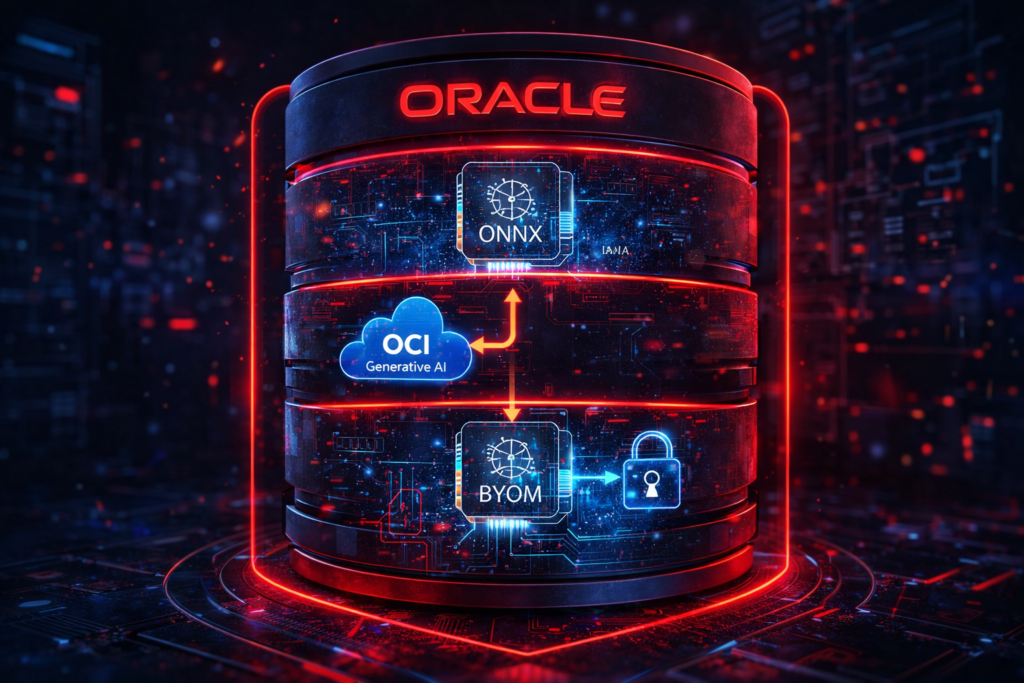
The ONNX import path is not limited to pre-approved models. Any ONNX-format embedding model — open source, commercially licensed, or internally trained on your organisation’s data — can be imported into Oracle using the same DBMS_VECTOR.LOAD_ONNX_MODEL procedure. The model becomes a first-class Oracle database object, versioned, secured with Oracle privilege controls, and callable from any SQL statement.
This means a financial services firm can train a domain-specific embedding model on proprietary transaction data, import it into Oracle, and run all embedding generation inside the database perimeter — with no data ever sent to an external API. That is a data sovereignty capability pgvector architecturally cannot match because PostgreSQL has no equivalent in-database model execution framework.
Hybrid Search — One SQL Statement vs Two Systems
We covered hybrid search in depth in Post 4. The comparison point here is architectural.
pgvector hybrid search:
pgvector supports combining vector similarity with SQL WHERE clauses. The syntax is clean and it works:
-- pgvector hybrid search
SELECT id, content,
       embedding <=> query_vector AS distance
FROM   documents
WHERE  category = 'technical'
ORDER  BY distance
LIMIT  5;
On paper this looks equivalent. Under the hood, pgvector’s HNSW index and Oracle’s HNSW implementation are both graph-based. The query pattern is similar.
The enterprise difference:
The difference is not in the hybrid search syntax — it is in what surrounds it. In Oracle AI Database 26ai, the same query executes under Oracle’s security framework — Virtual Private Database policies apply, Transparent Data Encryption protects the vector column at rest, Oracle Audit Vault logs the query, and the result can be cached by Oracle’s Result Cache. None of these require additional configuration for vector workloads — they are already in place for the relational data in the same table.
In a pgvector deployment, these capabilities require separate configuration, separate tooling, or are simply unavailable at the PostgreSQL layer.
Production Manageability — The DBA’s Day-to-Day Reality
This is where the comparison is most one-sided — and it is the dimension that matters most to Oracle DBAs evaluating their options.
| Capability | Oracle AI Database 26ai | pgvector / PostgreSQL |
|---|---|---|
| Vector index monitoring | V$VECTOR_INDEX, AWR | pg_stat_user_indexes (limited) |
| Backup and recovery | RMAN covers vector columns natively | pg_dump — no native incremental |
| Memory management | Vector Memory Pool in SGA — DBA controlled | shared_buffers — no dedicated pool |
| Security | VPD, TDE, Audit Vault, Label Security | pg_crypto, row security policies |
| High availability | Data Guard, RAC — vector indexes included | Streaming replication supported — operational monitoring of vector indexes still limited |
| Multitenant isolation | CDB/PDB — vector workloads isolated by PDB | Schema-level only |
| Embedding model management | ONNX model stored as DB object, versioned | External — not a database concern |
| In-database embedding | Native — VECTOR_EMBEDDING in SQL | Not available — external API required |
For an Oracle DBA managing a production estate, vector search in Oracle AI Database 26ai is not a new system to learn. It is a new data type and a new index type in the system they already operate. The monitoring tools are the same. The backup strategy is the same. The security model is the same. The high availability architecture is the same.
Adding PostgreSQL with pgvector to an Oracle estate means adding a second database engine, a second backup strategy, a second monitoring stack, a second security review, and a second set of upgrade and patching procedures — for a capability that Oracle now delivers natively.
The Perspective Summary
pgvector is a capable, well-maintained extension that works well for PostgreSQL shops building vector search on an existing PostgreSQL infrastructure. For teams already running PostgreSQL, it is a reasonable path.
For Oracle shops — and that is the majority of enterprise production database environments — the calculus is different. Oracle AI Database 26ai delivers vector search, hybrid search, in-database embedding model execution, and the full Oracle enterprise stack in a single system. There is no second engine to add, no extension to install, no embedding model API to manage externally.
The most important thing Oracle AI Database 26ai does is keep AI and data together — in the same engine, under the same DBA team, inside the same security perimeter. That is not a feature. That is an architectural principle. And it is the reason Oracle called this the AI Database.
This post focused on architecture, setup, embedding model strategy, and production manageability. Performance benchmarking — index build times, query latency at scale, recall measurement under concurrent load — is a separate and deeper conversation that deserves its own post. We will cover that in a dedicated performance comparison post in a future series.
Where We Go From Here
Post 5 was the strategic case. The remaining Pillar 1 posts go deeper into specific Oracle AI Database 26ai capabilities:
- Post 1: Oracle 23ai — Why Oracle Calls It The AI Database
- Post 2: Oracle Vector Search — First Hands-On Walkthrough (setup + live SQL)
- Post 3: Vector Indexes in Oracle AI Database 26ai — How HNSW and IVF Work Under the Hood
- Post 4: Hybrid Search in Oracle AI Database 26ai — Combining SQL and Semantic Queries
- Post 5: Oracle AI Database 26ai Vector Search vs PostgreSQL pgvector — A DBA’s Perspective
- Post 6: 5 Things DBAs Must Know About JSON Relational Duality in Oracle AI Database 26ai
- Post 7: Select AI: Talking to Your Database in Plain English
- Post 8: Building an AI-Ready Oracle Database — Production Checklist
Managing vector search workloads on Oracle AI Database 26ai in production? Specifically interested in ONNX model import experiences — model size, load times, and embedding generation performance compared to external API calls.
2 thoughts on “Oracle AI Database 26ai Vector Search vs PostgreSQL pgvector — A DBA’s Perspective”