
This is in continuation of My last blog about Meta Commands in PostgreSQL. In last blog we have explained what a Meta command is all about. In next few blogs we will explore few of Meta commands. Let’s start with psql command itself.
How to Use psql to Connect to a PostgreSQL Database
Once we logged in using psql, the environment should be look like
PostgreSQL> psql

This will bring us to default port 5432 with user postgres and database postgres on localhost.
if our database is not on default port 5432, we can pass port number to psql
PostgreSQL> psql -p 5433

We can connect to different database hosted on different machine by providing host also.
PostgreSQL> psql -U sanjeeva -d postgres -h localhost

or
PostgreSQL> psql -U sanjeeva -d postgres -h 127.0.0.1

To execute a command using psql we can use “-c” option
PostgreSQL> psql -U sanjeeva -d postgres -h 127.0.0.1 -c “select version()”

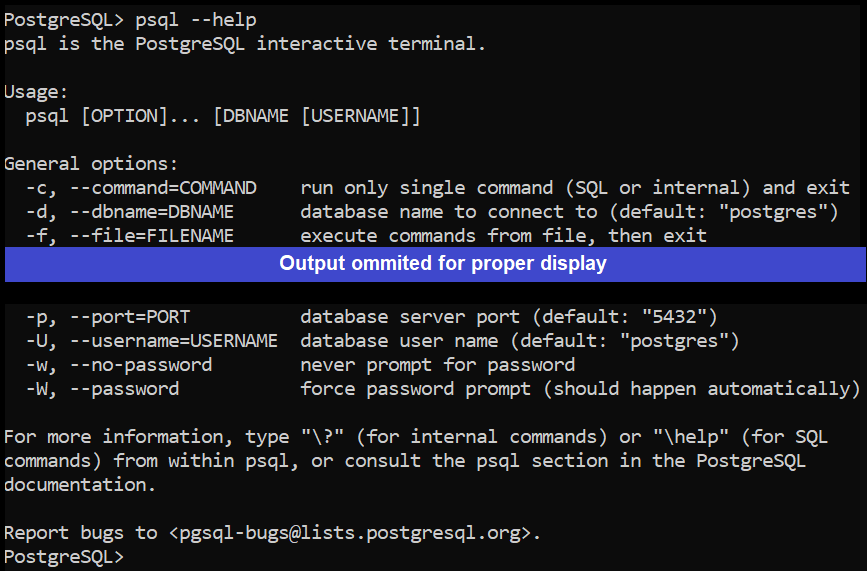
There are many other options which can be found using help options
PostgreSQL> psql –help
Knowing how to psql connect to database with the right flags is the first thing every PostgreSQL DBA needs to master — everything else in psql builds on this.
Last few blogs on Commands are:
4 thoughts on “PostgreSQL Meta-Command using psql: Command Information -I”