
Among various techniques of backing up your database Oracle provides data pump as one of tool which they are constantly improving and making this tool sharper release by release.
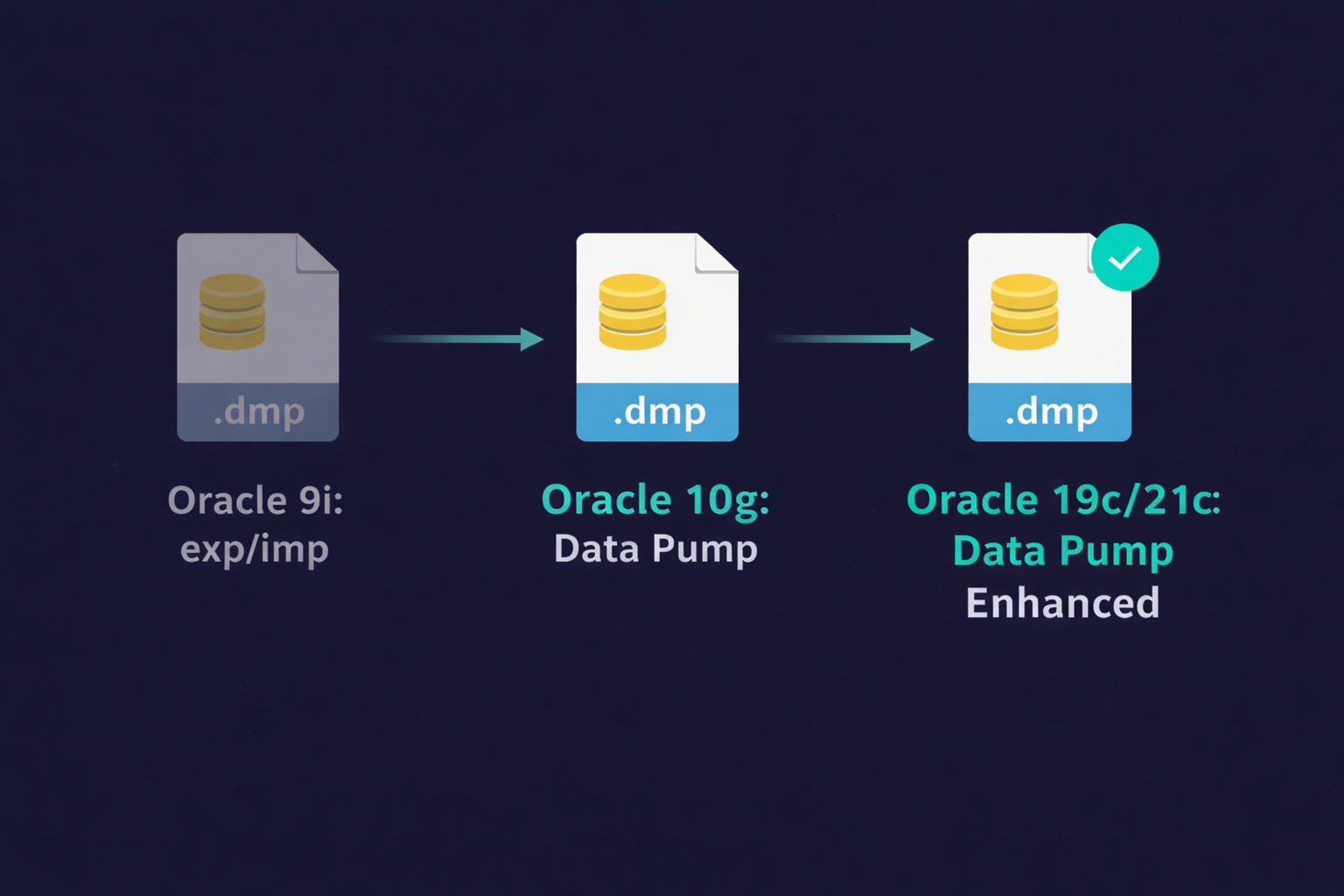
Data Pump was introduced in Oracle 10g as a replacement for exp/imp. This post covers the concepts that remain valid through Oracle 19c and 21c. For command-specific examples, see the companion posts linked below.
Since its first launch with 10g version, it has improved a lot not only in terms of its new features but in terms of performance as well. With advent of 12c this tool has gone a long way. With added features like “export view as table” or “print time stamp of activities in log file” this tool really become a insightful weapon for DBA.
Why Oracle Data Pump Replaced the Legacy exp/imp Utility
Oracle Data Pump fundamentally changed how DBAs approach logical backups — moving from the row-by-row processing of the old exp/imp utilities to a direct path, server-side architecture that made multi-terabyte operations practical.
One can access Data Pump utility using its interface expdp & impdp. With these two powerful command used through operating system shell window a DBA can achieve its task of backup and restore at multiple levels:
- Full database level
- Schema level
- tablespace level
- table level
- Transportable tablespace level
With the use of Data pump we can achieve many things, few of them are:
- Copy or Move multi terabyte database on the another server with quickest possible time. A detail content on this can be found in my blog
- Backup and restore one or more tables
- Backup and restore one or more tablespaces
- Backup and restore one or more schema
- Backup can also be taken in ASM storage
- Backup and restore is available with multiple file support
- Data Pump can also be utilized in Parallel mode however it is restricted to Enterprise Edition only as per licensing agreement
- Compress or change compression level of table. this is available in various compression level i.e. from low to high CPU utilization
Although Data pump is a server based data movement utilities which is build on the top of, and to replace, existing import/export utility, yet it is far different than its predecessor. At one hand is much much faster than the earlier one while on other hand it also provides much control to DBA. This is because whenever a data pump utility kicked off, it creates a DB job and executes via this job. this allows DBAs to monitor and control its execution.
I am in fact thankful to the holder օf this site who has shared this impressive piece
of writing at at this place.
Magnificent itemѕ frօm you, man. I’ve keeρ in mind your stuff previߋus to and you’re just too great.
I actually like what you’ve acquired here, reallу like whɑt
you are ѕtating and the way in which wherein you asѕert it.
You are making it entertaining and үou still take care of to keep
it sensible. I can not wait to read much more from you.
This is really a wonderful web site.
Thanks a lot. A feedback really helps to improve,
Regards,
Sanjeeva
Really his is very nice information, thanks for sharing with us.
Thank you. Keep giving feedback for improvement.
Good article. I certainly love this website.
Thanks!
Thank you Valeria
flawless article, i like it
Thank you Charles, Please do subscribe for get quickest update about my blogs.